
As a proud member of the Life n’ Reflection design team, I often have the exciting opportunity to explore and experiment with Kristy’s latest Photoshop textures and digital goodies. This collaboration is incredibly rewarding, as it consistently pushes me to play and innovate within Photoshop in ways I might not typically encounter. My daily workflow is often consumed by processing images for this blog and for my clients, leaving little room for purely recreational image manipulation. Consequently, moments like these, where I can simply indulge in creative exploration, are genuinely welcomed and cherished. It’s a fantastic chance to rediscover the joy of digital artistry and see my photographic vision expand.
This month, my creative journey led me to the captivating new **Midnight Textures Set**. This collection is a treasure trove for anyone looking to add character and depth to their photographs. At full opacity, these textures deliver a wonderfully grungy and raw aesthetic, perfect for crafting urban-themed portraits or adding an edgy vibe to any scene. However, their true versatility shines when you begin to experiment with various blending modes and adjust the opacity. The possibilities are truly limitless, allowing you to transform your images into stunning works of art with remarkable ease. Each texture in the set offers a unique palette of effects, ranging from subtle atmospheric enhancements to bold, dramatic overlays, making them an indispensable tool for photographers and digital artists alike. Whether you’re aiming for a moody, painterly look or a gritty, street-style edge, the Midnight Textures Set provides the tools to achieve truly gorgeous results.
<
Delving deeper into the creative potential, the Midnight Textures Set proved to be incredibly inspiring. The beauty of these textures lies in their ability to completely alter the mood and narrative of an image. They’re not just overlays; they’re storytellers, adding layers of history and emotion to your visual compositions. For photographers seeking to inject unique personality into their work, these textures offer an accessible yet powerful way to achieve a distinctive artistic signature. Understanding how different blending modes interact with your base image is key to unlocking the full spectrum of effects. For instance, ‘Overlay’ can subtly enhance contrast and saturation, while ‘Soft Light’ creates a more gentle illumination. ‘Screen’ brightens and adds a luminous quality, whereas ‘Lighten’ can merge the texture with the lighter areas of your photo. Experimentation is paramount, as each adjustment reveals a new dimension of artistic expression.
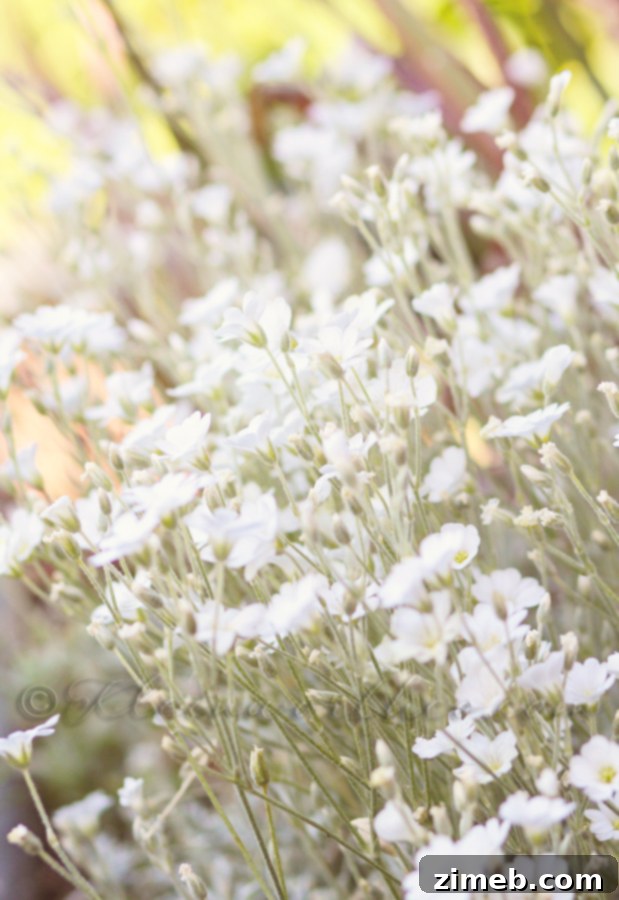
I initiated my texture application process with this base image, which had undergone a preliminary “clean edit” using FloraBella Classic Color actions. This initial step helped to establish a solid foundation, ensuring my photograph had balanced tones and a pleasing aesthetic before introducing any texture overlays. A clean edit is crucial, as it provides a neutral canvas for the textures to interact with, allowing their full impact to be realized without competing with distracting elements or uneven lighting. This streamlined approach significantly enhanced my workflow, making the subsequent texture application both more effective and enjoyable.
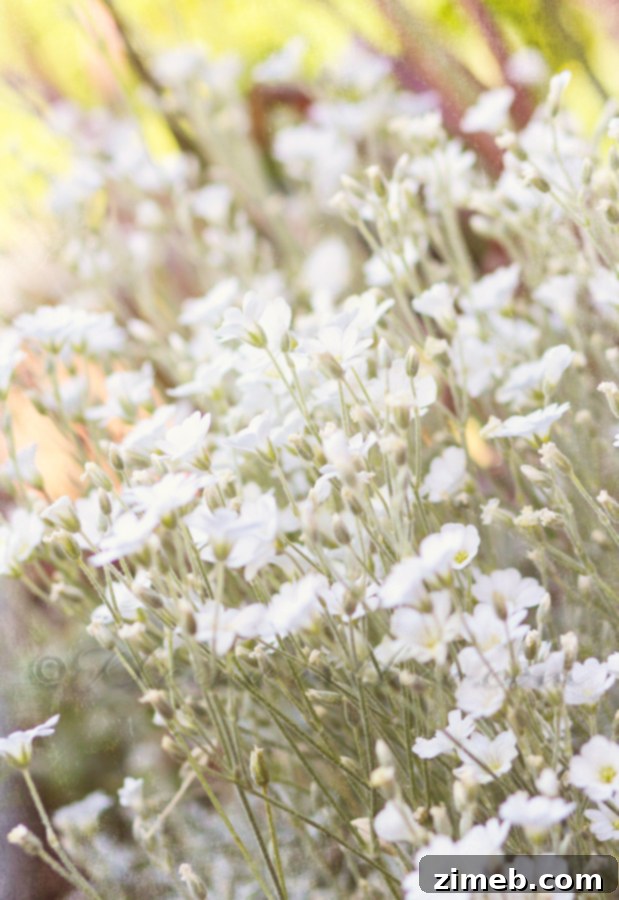
Next, I copied and pasted **Midnight Texture #1** directly onto my image as a new layer. To integrate it seamlessly, I set the blending mode to ‘Overlay’ and adjusted the opacity down to 19%. The ‘Overlay’ blending mode is excellent for increasing contrast and enriching colors, making the texture feel like an inherent part of the photograph rather than just an addition. At 19% opacity, this texture introduced a subtle yet impactful layer of grit and character, enhancing the image without overpowering its original essence. It created a beautifully understated foundation for further textural explorations, adding a delicate touch of vintage charm and depth.
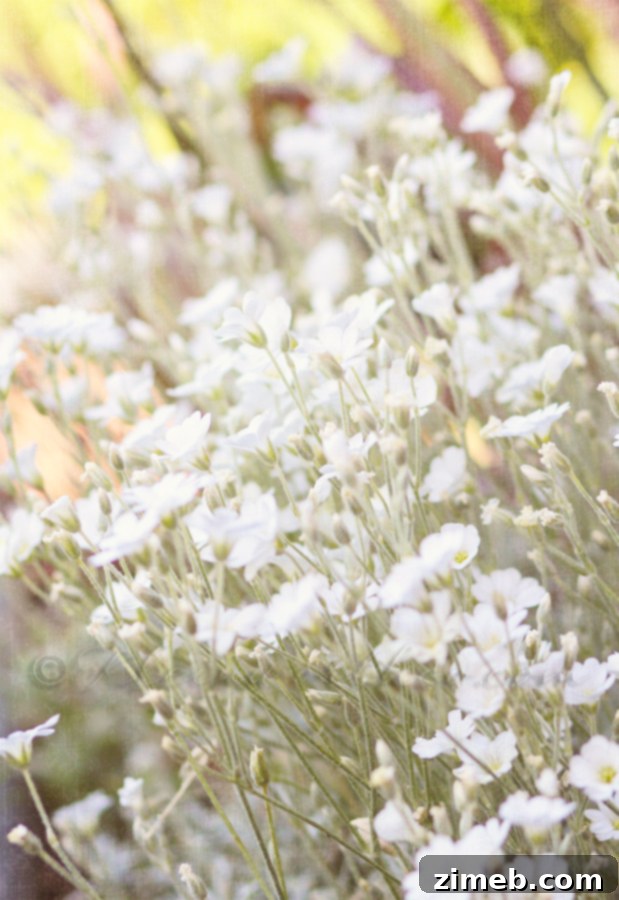
Following this, I incorporated **Midnight Texture #2** using a similar copy and paste method. For this particular texture, I opted for the ‘Soft Light’ blending mode, setting its opacity to 20%. ‘Soft Light’ is renowned for producing a softer, more diffused effect compared to ‘Overlay’, gently enhancing the image’s light and shadow relationships. This subtle application introduced a warm, ethereal quality, infusing the photograph with a delicate luminosity and a hint of aged elegance. The result was a harmonious blend that contributed to a dreamier, more refined visual narrative, proving that even slight adjustments in opacity can dramatically alter the emotional impact of a textured image.
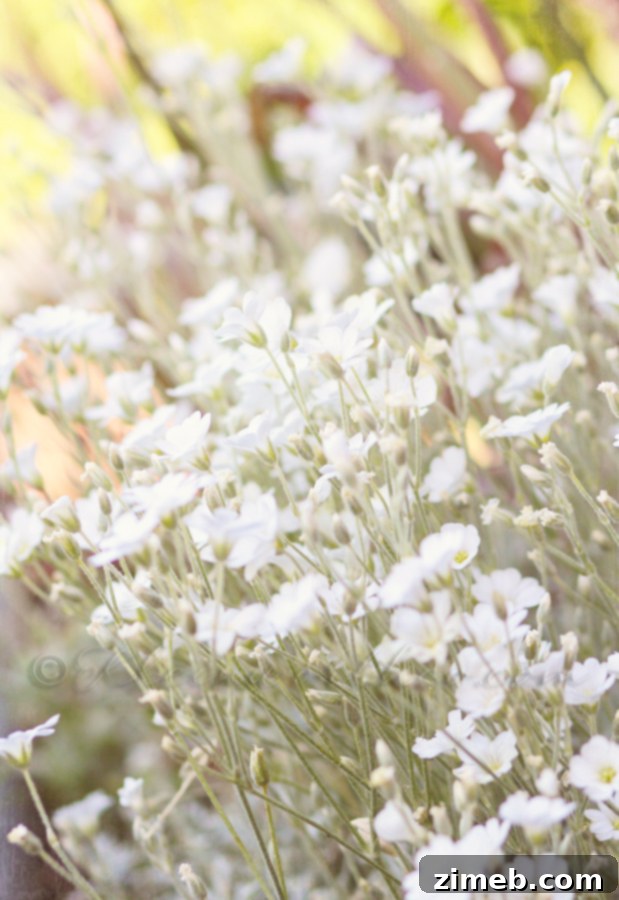
My next step involved experimenting with **Midnight Texture #3**. I applied it with the blending mode set to ‘Screen’ and an opacity of 20%. The ‘Screen’ blending mode is a fantastic choice for brightening images and creating a luminous, almost ethereal glow, as it essentially lightens the underlying pixels with the texture. This application brought a remarkable vibrancy to the photograph, lifting the shadows and adding a beautiful, almost painterly radiance. This particular rendition quickly became my favorite from the entire set of experiments. The captivating interplay of light and texture produced an effect so compelling that I would absolutely consider printing this version on canvas to proudly display in my home. It truly transformed the photograph into a piece of fine art, highlighting the artistic potential of these textures.
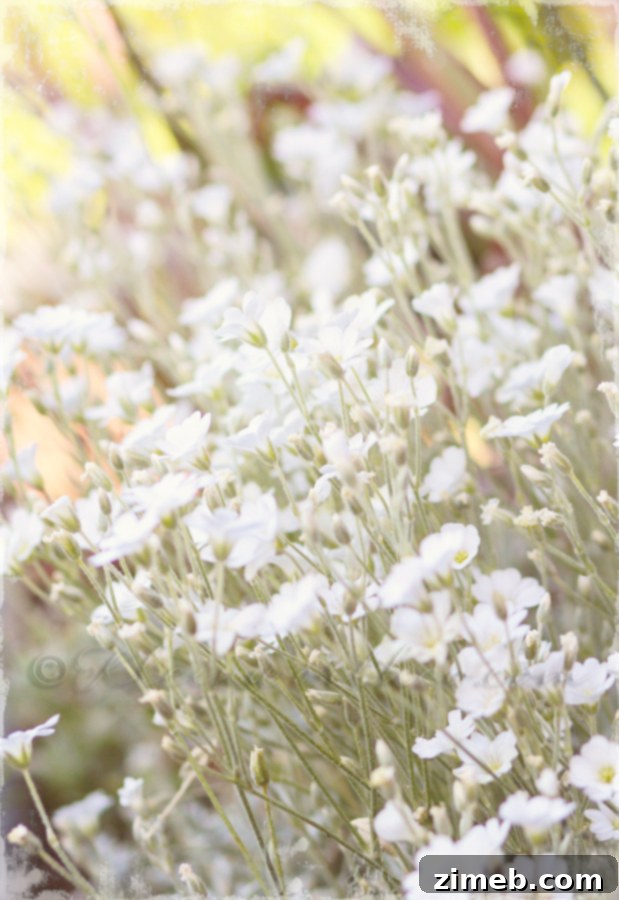
Finally, I introduced **Midnight Texture #4** into the composition. I carefully copied and pasted this texture, setting its blending mode to ‘Lighten’ with an opacity of 54%. The ‘Lighten’ blending mode selectively reveals only the parts of the texture that are lighter than the underlying image, making it an excellent choice for adding highlights and a subtle, soft glow without obscuring the details of the original photograph. This particular texture, applied with a slightly higher opacity, added a final touch of nuanced warmth and atmospheric depth. It subtly enhanced the lighter areas of the image, contributing to a cohesive and richly textured final piece that harmoniously integrated all the elements. Each texture, while distinct, worked in concert to build a sophisticated and unique visual narrative, demonstrating the incredible versatility of the Midnight Textures Set for comprehensive photo enhancement.
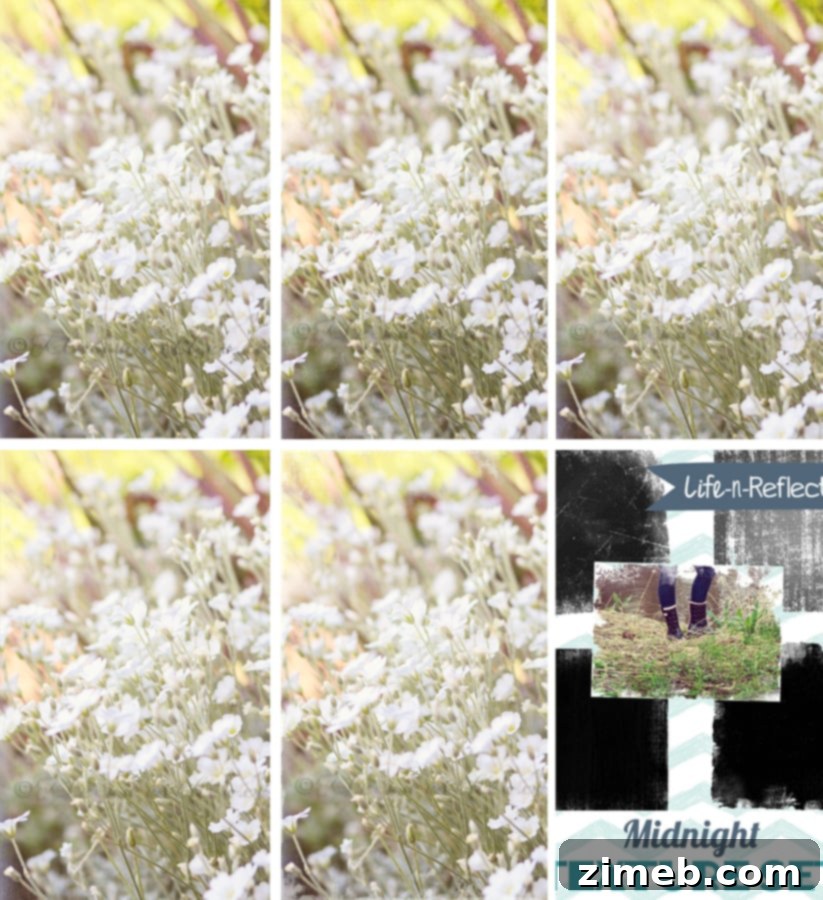
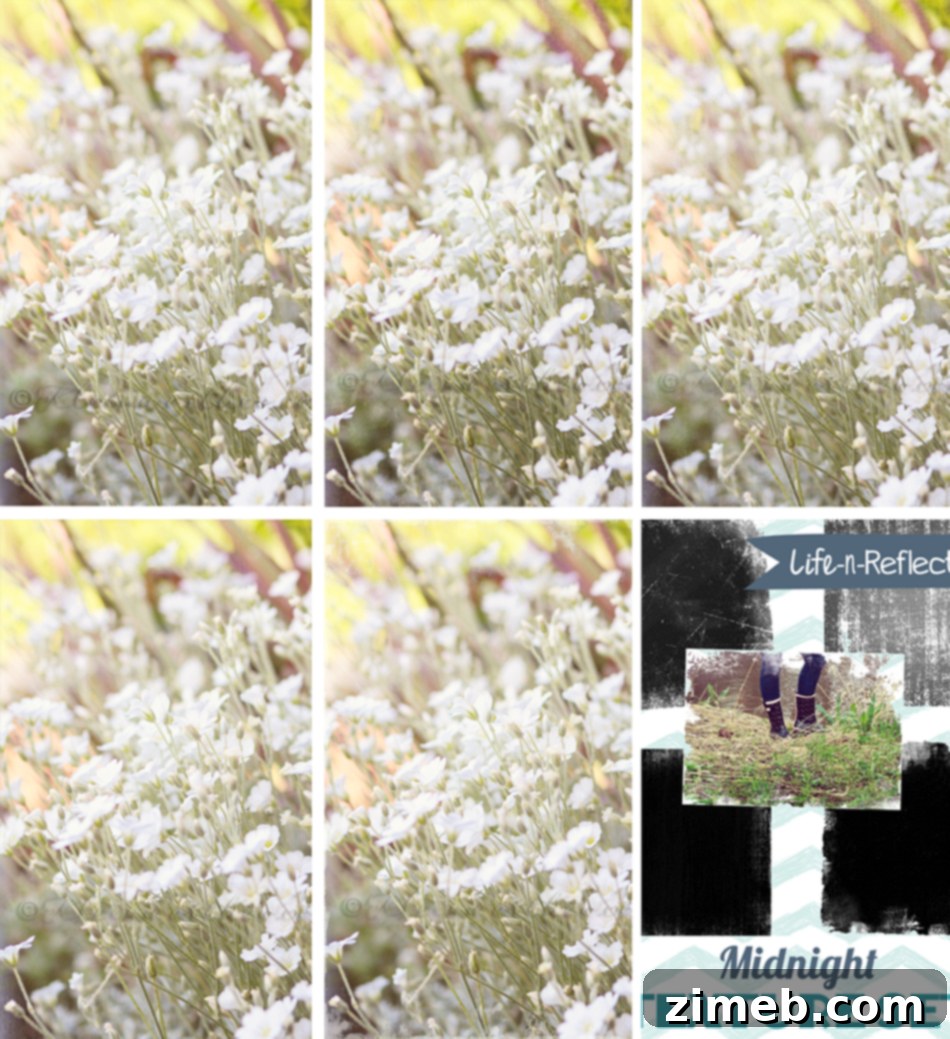
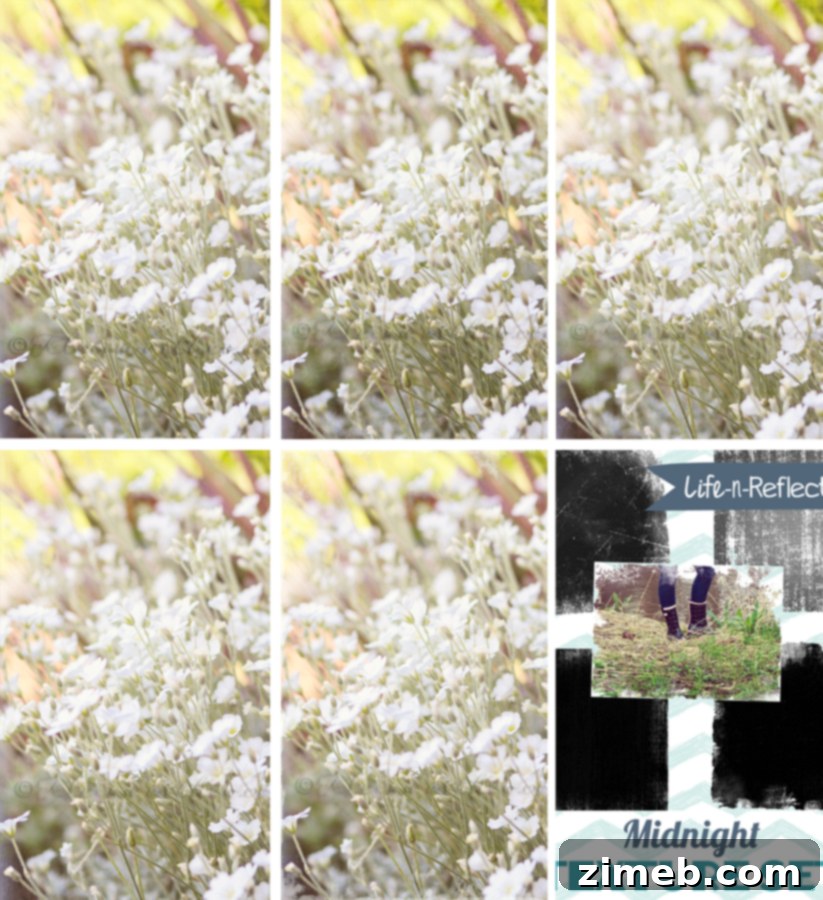
Here, you can observe all the various Midnight Textures applied, offering a comprehensive view of their individual impact and collective harmony on the same image. This visual comparison vividly illustrates how each texture, with its unique characteristics and chosen blending mode, contributes a distinct mood and aesthetic to the photograph. From subtle grit to ethereal luminosity, the range of transformations is truly impressive, showcasing the versatility and artistic depth that can be achieved when working with these exceptional overlays.
For those inspired to elevate their photography with these incredible resources, you can explore the complete **Midnight Textures Set** and discover many other creative assets at Life n’ Reflection on Etsy. This collection is an essential addition for anyone serious about digital photo enhancement and artistic expression.
Next, my creative curiosity led me to experiment with the **FREE Cloud Texture**, a beautifully crafted digital goodie that truly captivated me with its artistic potential. Discovering such high-quality free resources is always a delight, and this particular texture promised to add a unique atmospheric touch to my images. It’s a perfect example of how even a simple, well-designed texture can dramatically alter the mood and narrative of a photograph, providing an accessible pathway for photographers to experiment and push their creative boundaries without any initial investment. Its inherent beauty suggested a wide range of applications, from subtle atmospheric enhancements to more pronounced artistic statements.
I chose to apply this exquisite cloud texture to an image I captured of kayakers, a scene that already possessed a serene natural beauty. My aim was to see how the texture could complement and enhance the existing atmosphere without overshadowing the focal point of the photograph. This particular image provided an excellent canvas due to its open sky and water elements, offering ample space for the cloud texture to subtly unfold its magic. The goal was to infuse the shot with an additional layer of depth and perhaps a hint of nostalgic charm, transforming a simple snapshot into a more evocative piece of visual storytelling. Before adding the texture, I ensured the base image was crisp and well-balanced, providing a perfect foundation for the overlay.
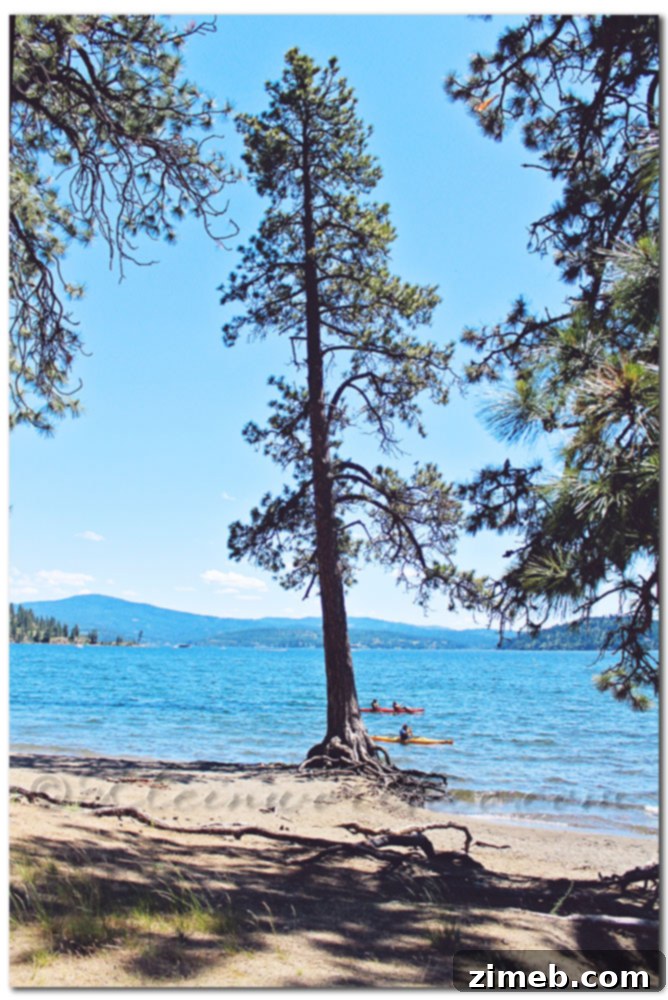
This is the original, untextured image of the kayakers after undergoing a clean edit. The preparation involved precise sharpening to bring out fine details and careful adjustments to shadows and highlights. This foundational editing ensured that the photograph had optimal clarity, contrast, and exposure, creating a perfectly balanced canvas ready for the artistic embellishment of textures. Establishing this clean base is crucial for any successful texture application, as it allows the texture to enhance rather than detract from the image’s inherent qualities.
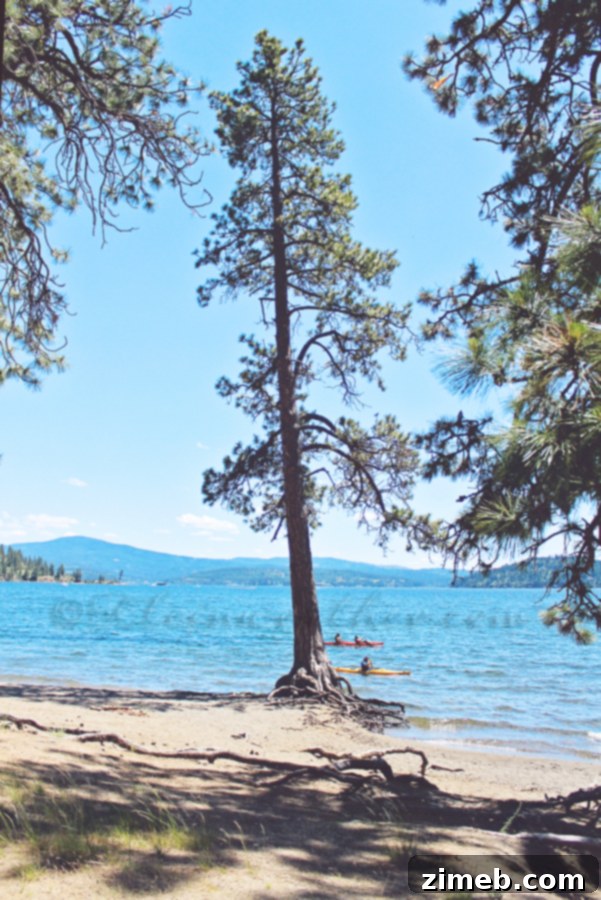
With the clean edit complete, I proceeded to integrate the free cloud texture. I copied and pasted the texture over the entire image of the kayakers, ensuring it covered the full frame. Then, to blend it effectively, I set the blending mode to ‘Overlay’ and adjusted the opacity to a comfortable 50%. Initially, I contemplated creating a layer mask to selectively remove some of the texture from the focal point, the kayakers themselves, to maintain their crispness. However, as I fine-tuned the opacity, I found myself increasingly drawn to the overall vintage feel that permeated the entire image. The texture, even over the subjects, contributed to a wonderfully cohesive and aged aesthetic that I hadn’t originally anticipated. I loved the unified, dreamlike quality it imparted, transforming the modern scene into something timeless and nostalgic. Deciding to embrace this serendipitous outcome, I chose to leave the texture as is, flattening the image and declaring it complete. This experience underscored the beauty of spontaneous artistic discovery and the power of textures to evoke unexpected emotions and styles, even without complex masking techniques. It was a perfect example of how sometimes, the simplest application can yield the most profound and satisfying results, adding a layer of sophisticated mood and storytelling to a photograph.
Don’t miss out on this fantastic opportunity! You can grab this stunning **CLOUD TEXTURE** Goodie absolutely FREE and begin your own creative experiments today. It’s a wonderful way to add a unique, atmospheric touch to your photographs without any cost. Simply follow the link to enhance your digital toolkit and explore new dimensions in your photo editing journey.
Want More Photo Editing Tips & Tutorials?
Enhance your photography skills further by exploring these insightful guides. From capturing dynamic moments to mastering creative post-processing, these tutorials offer valuable knowledge for photographers of all levels.
Mastering Fireworks Photography: A Comprehensive Guide
Unlocking the Art of Smoke Photography: A Creative Tutorial
Explore Illusions: A Deep Dive into Photoshop Textures for Artistic Effects
Thank you for joining me on this creative exploration of Photoshop textures. Whether you’re experimenting with the rich, moody tones of the Midnight Set or adding a soft, vintage touch with the free Cloud Texture, the possibilities for transforming your photographs are truly endless. Digital textures offer a powerful pathway to artistic expression, allowing photographers to infuse their images with unique moods, depths, and narratives. I encourage you to embrace the spirit of play and experimentation in your own editing process. Don’t be afraid to try different blending modes, adjust opacities, and see how these simple yet profound tools can elevate your photography to new artistic heights. Happy editing!